Google Stitch is the free AI-native UI design tool from Google Labs that converts plain text, sketches, and voice into full production interfaces. Here is what it does, why the SEO and marketing world should pay attention, and what it means for how landing pages get built from now on.
The Day Figma's Stock Dropped 12 Percent
On March 19, 2026, Figma's stock fell between 8 and 12 percent in a single trading session. Not because of an earnings miss, not because of a product failure, but because Google had just updated a free tool called Stitch. Investors looked at what Google had built and decided that Figma's position as the default place where professional UI design happens was no longer as secure as it had been the day before.
That is how significant Google Stitch has become. And if you are in SEO, digital marketing, or running a growth team for any kind of web-based business, you should understand what this tool is and why it matters for how campaigns, landing pages, and web experiences get built from here on.
What is Google Stitch?
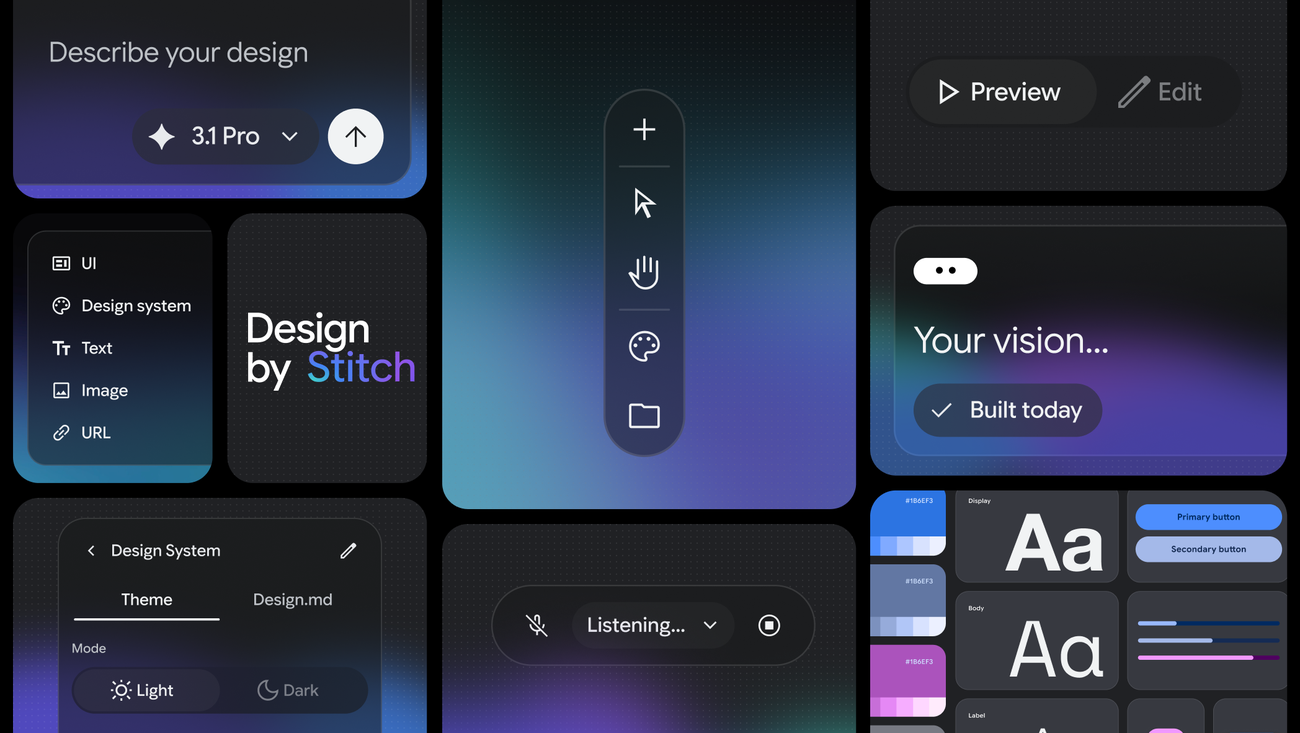
Google Stitch is a free AI-native UI design platform from Google Labs. The core idea is straightforward: you describe a user interface in plain language, upload a sketch or screenshot, or speak your requirements out loud, and Stitch generates a high-fidelity UI design and working frontend code. No design software experience required. No Figma licence. No handoff meeting.
It is built on top of Gemini 2.5 Pro, Google's most capable multimodal model, and it outputs real HTML and Tailwind CSS that can be taken directly to a developer or deployed as-is. The tool is available at stitch.withgoogle.com and is completely free to use.
Google first launched Stitch at Google I/O in May 2025 as a Labs experiment. At that point it was genuinely impressive but limited in scope. Then in December 2025 it added Gemini 3 integration and interactive prototype generation. And then on March 18, 2026, it received the update that changed everything.
Want this implemented for your funnel?
Get a free 90-day growth plan with tracking, channel priorities, and next-week actions.
The March 2026 Update: Five Features That Redefined the Tool
Google called this update "vibe design" — a deliberate nod to "vibe coding," the trend of describing intent in plain language and letting AI handle implementation. Here is what shipped:
1. AI-Native Infinite Canvas
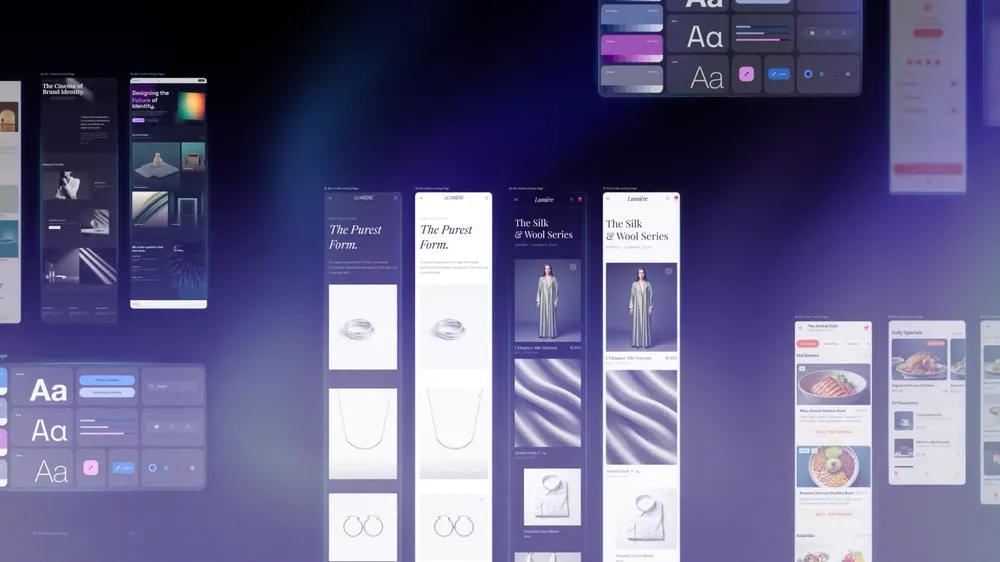
The old Stitch worked in fixed artboards, similar to how traditional design tools work. The new version replaces all of that with an unlimited canvas where you can drop images, code snippets, text descriptions, and existing designs, and the AI works across the entire thing at once. An Agent Manager organises parallel design directions without the chaos of scattered files.
2. Smarter Design Agent
Previous versions processed individual screens. The updated design agent understands the entire canvas simultaneously. It can update a logo across all screens at once, auto-generate a mobile version of a desktop design, create a product brief from an existing design, and even conduct a "brand interview" — asking you questions about your brand and using those answers to generate a landing page that fits your identity. This is genuinely new. No design tool has done this before.
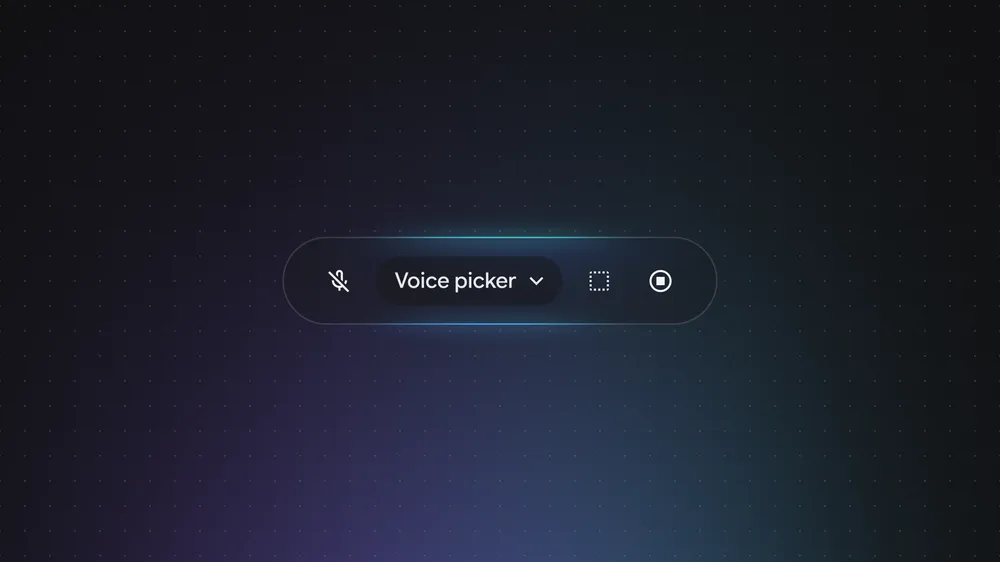
3. Voice Design (Preview)
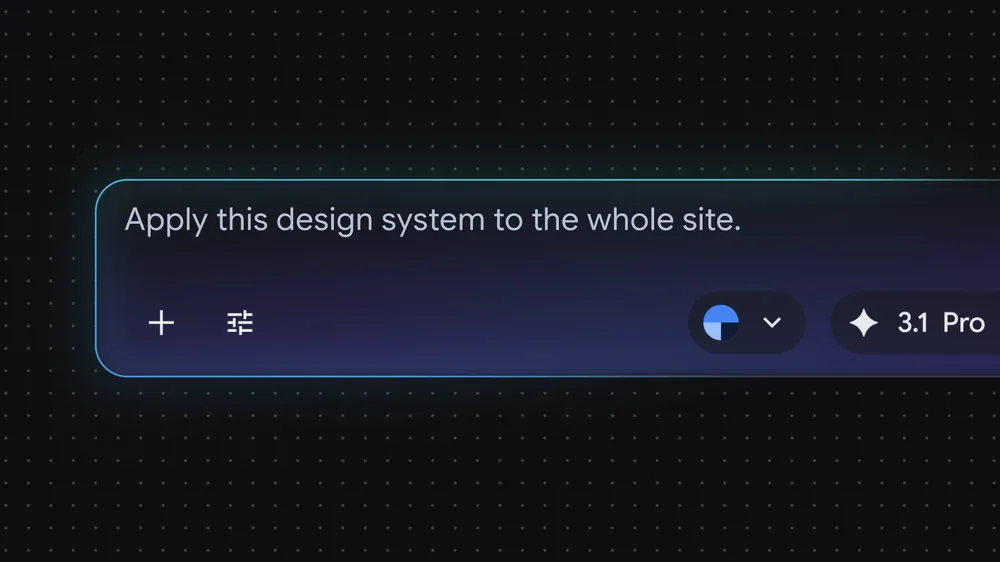
Full voice control of the canvas. You can say "change this section to darker, give me three different navigation menu options, and show me what the dashboard looks like when someone is logged in" — all in one breath — and Stitch executes all three instructions simultaneously. This is still in preview, but the implication is significant: design is no longer gated by the ability to use a mouse and keyboard.
4. Instant Prototypes
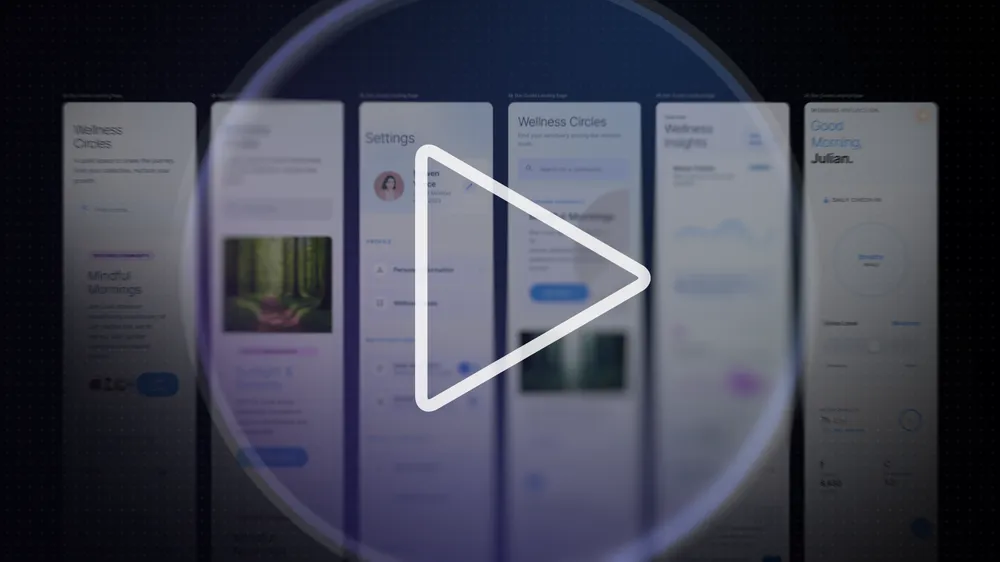
Stitch now converts any static screen into a clickable interactive prototype with a single action. Click on any element and it auto-generates the connected screen — including different states like logged-in, empty state, and error state. It produces shareable links and QR codes for immediate device testing. For anyone running usability tests or presenting concepts to clients, this eliminates the most time-consuming part of the prototyping process.
5. Design Systems and DESIGN.md
Every project in Stitch now automatically generates a design system — colour tokens, typography, component specs. It also introduces a new format called DESIGN.md, which is an agent-friendly markdown file that captures all design rules and can be exported to and imported from other AI tools. This is the part that gets developers and AI-assisted coding workflows excited: a consistent design system that flows between Stitch, your codebase, and tools like Claude Code or Cursor.

Why SEO and Marketing Professionals Should Care
Google Stitch is not an SEO tool. It is a design tool. So why does it belong in a conversation about SEO and digital marketing?
Because the biggest bottleneck in most growth teams is not ideas, budget, or traffic. It is execution speed. You know you should be running more landing page tests. You know you should have a dedicated page for each campaign keyword. You know that a faster, more conversion-optimised experience would improve your Quality Score on Google Ads and your organic click-through rate. But every time you want to make a change, you are waiting on design, then waiting on development, then waiting on review, and by the time the page goes live the campaign window has passed.
Google Stitch compresses that cycle to minutes. A growth marketer can describe a landing page for a specific campaign in plain language, get a production-ready HTML page, and have it live in the same day. That is a meaningful operational change for any team running performance campaigns where landing page quality directly affects CAC.
Stitch and Landing Page SEO
Stitch outputs HTML and Tailwind CSS. That means the code is clean, semantic, and fast to load — all things that matter for Core Web Vitals and your broader SEO strategy in 2026. AI-generated code tends to be leaner than code written inside a page builder, which typically ships with a lot of bloat. A Stitch-generated page will likely outperform a Wix or Webflow page on technical performance metrics, which contributes to better search rankings.
There is also a speed-to-market advantage with SEO. If you can build a dedicated landing page for a keyword cluster in an afternoon instead of two weeks, you can capture search traffic faster, test content angles more aggressively, and iterate on what is working. The bottleneck for most content-led SEO programmes is not strategy — it is production capacity. Stitch changes that equation.
Stitch and Conversion Rate Optimisation
The instant prototype feature is particularly valuable for conversion rate optimisation. Being able to generate five different variations of a landing page hero section in 10 minutes — each with different headlines, CTAs, and visual hierarchy — and immediately test them in an interactive prototype changes how quickly a CRO programme can iterate. The traditional flow of concept, wireframe, design, development, and QA takes weeks. Stitch collapses it to hours.
Stitch and Google Ads Campaign Pages
Google's own quality signals for Google Ads landing pages include page experience, load speed, and relevance. A page built with clean HTML and Tailwind — the output Stitch produces — checks all of those boxes more reliably than pages built in bloated CMS environments. If you are running Google Ads campaigns and your attribution model shows landing page quality as a constraint on conversion rates, Stitch is worth experimenting with.
How the Design Community Is Actually Using It
The reaction from practitioners has been more nuanced than the stock market reaction implied. Nobody credible is claiming that Stitch replaces Figma for large-scale product design work. What they are saying is that it changes where design work begins.
The emerging workflow looks like this: use Stitch for the first 20 percent of the design process — rapid ideation, concept exploration, initial client presentations, and quick prototypes. Then export to Figma for the precision refinement, component management, and developer handoff that Figma does exceptionally well. This hybrid approach makes both tools stronger, not obsolete.
Where Stitch wins outright is for one-off projects, campaign landing pages, and small teams that previously had no design capacity at all. A five-person startup, a freelance growth consultant, or a marketing team without a dedicated designer can now produce professional-quality interfaces without a design resource. That is a genuine shift.
The Integration Layer: Stitch Meets Claude Code and Cursor
One of the less-discussed features of the March 2026 update is the SDK and MCP server that Stitch now ships with. This allows Stitch to integrate directly with AI-assisted coding environments including Claude Code, Cursor, Gemini CLI, and others.
In practical terms, this means you can design something in Stitch and have it appear as context in your coding environment, or you can ask Claude Code to generate a UI based on a DESIGN.md file exported from Stitch. The design and development pipeline becomes a continuous AI-assisted workflow rather than a series of handoffs between humans. For teams already using AI tools for their SEO and content workflow, this is a natural extension into the design and build layer.
Is There Any Reason to Be Sceptical?
Yes. The Register's review of the March 2026 update closed with a pointed line: "Here's hoping those numbers are tied to reality, rather than a vibe." That scepticism is fair.
AI-generated UI has a quality ceiling. For consumer-facing products where brand precision and accessibility matter, the output needs human review and refinement. Stitch does not understand brand strategy, does not know your design system unless you feed it a DESIGN.md, and will occasionally produce interfaces that look plausible but contain interaction patterns that would confuse real users.
The "minutes rather than days" claim is also contingent on the prompt quality. Getting a genuinely good output from Stitch requires knowing what you want and being able to describe it precisely. That is a skill, and it takes practice. The learning curve is shorter than learning Figma, but it exists.
And there is a broader question about ownership and consistency. If every team member is prompting Stitch independently, you end up with a fragmented visual identity. The DESIGN.md format is Google's answer to this problem, but it only works if teams are disciplined about maintaining it.
What This Means for the Next 12 Months
A few things are likely to follow from the direction Google Stitch has set.
First, the cost of UI design is going to drop significantly for small and mid-sized teams. This is good for the web — more pages will be well-designed, load faster, and be more accessible. That raises the bar for all SEO competition, because the "good enough" baseline gets higher.
Second, the separation between design and development will continue to blur. When a marketing manager can produce a deployable page in the same tool they used to sketch the concept, the traditional roles of designer and developer evolve. This does not mean those jobs disappear — precision, strategy, and quality control remain human work — but the tools used will shift dramatically.
Third, Google is accumulating leverage across the entire web stack. They index your content. They provide your analytics via GA4. They run your ads. And now they have a tool that builds the pages those ads point to. Whether you see that as convenient or concerning probably depends on how much of your business runs through Google already.
For now, the practical move is to try Stitch. It is free. The learning curve is short. And if it can compress your landing page production cycle from two weeks to one afternoon even once, it has paid for itself many times over.
Get weekly growth ideas in your inbox
Practical SEO, PPC, analytics, and CRO notes with zero spam.
Frequently Asked Questions
What is Google Stitch?▾
Is Google Stitch free to use?▾
How is Google Stitch different from Figma?▾
What is "vibe design" in Google Stitch?▾
Can Google Stitch help with SEO and marketing landing pages?▾
Why did Figma's stock drop when Google Stitch was updated?▾

Digital marketing consultant — SEO, PPC, analytics & CRO.