
Veil
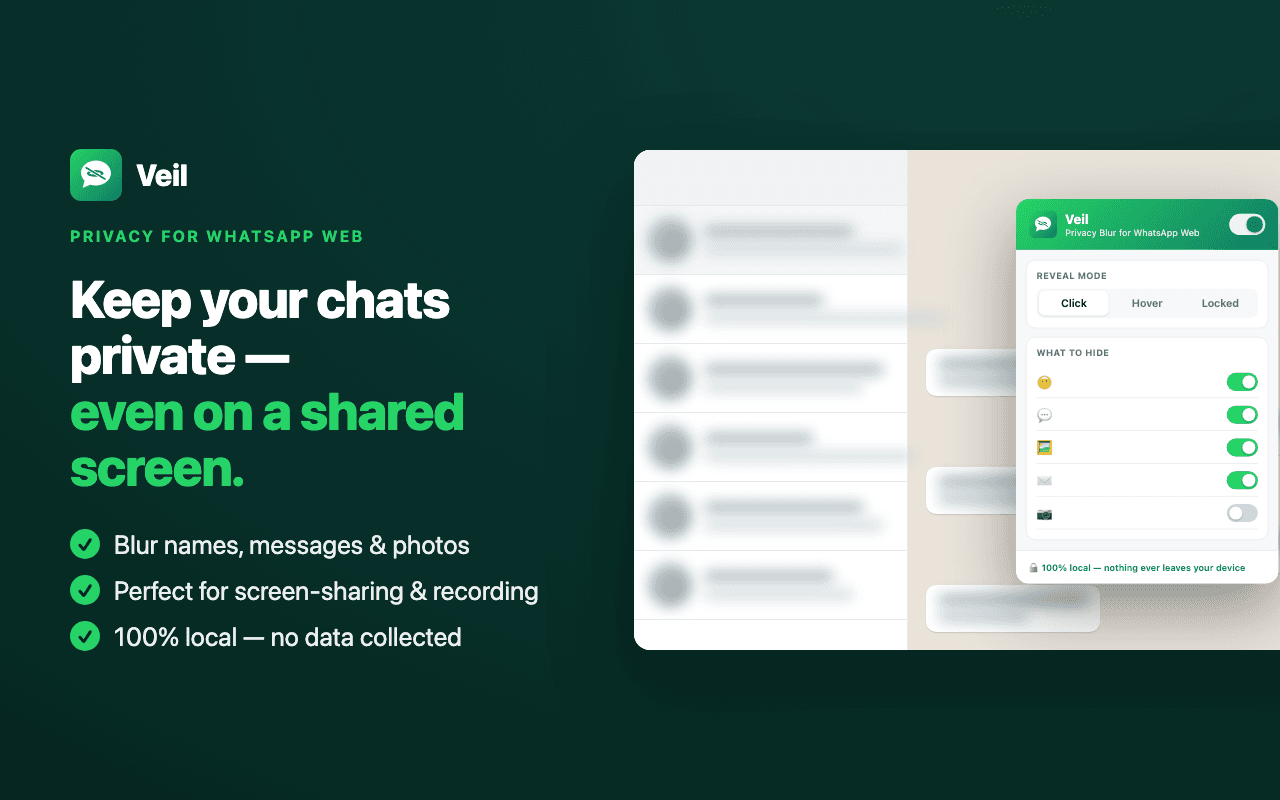
Keep WhatsApp Web visually private before you share your screen. Blur names, previews, messages, photos, and media, then reveal only what you need.
19-second demo · tap for sound 🔊
Everything you need to keep WhatsApp Web private
Stop flashing your inbox on every screen-share. Veil hides what matters and reveals only what you choose.
One-click blur
Blur names, message previews, photos, message text, and media across WhatsApp Web before you share your screen.
Granular control
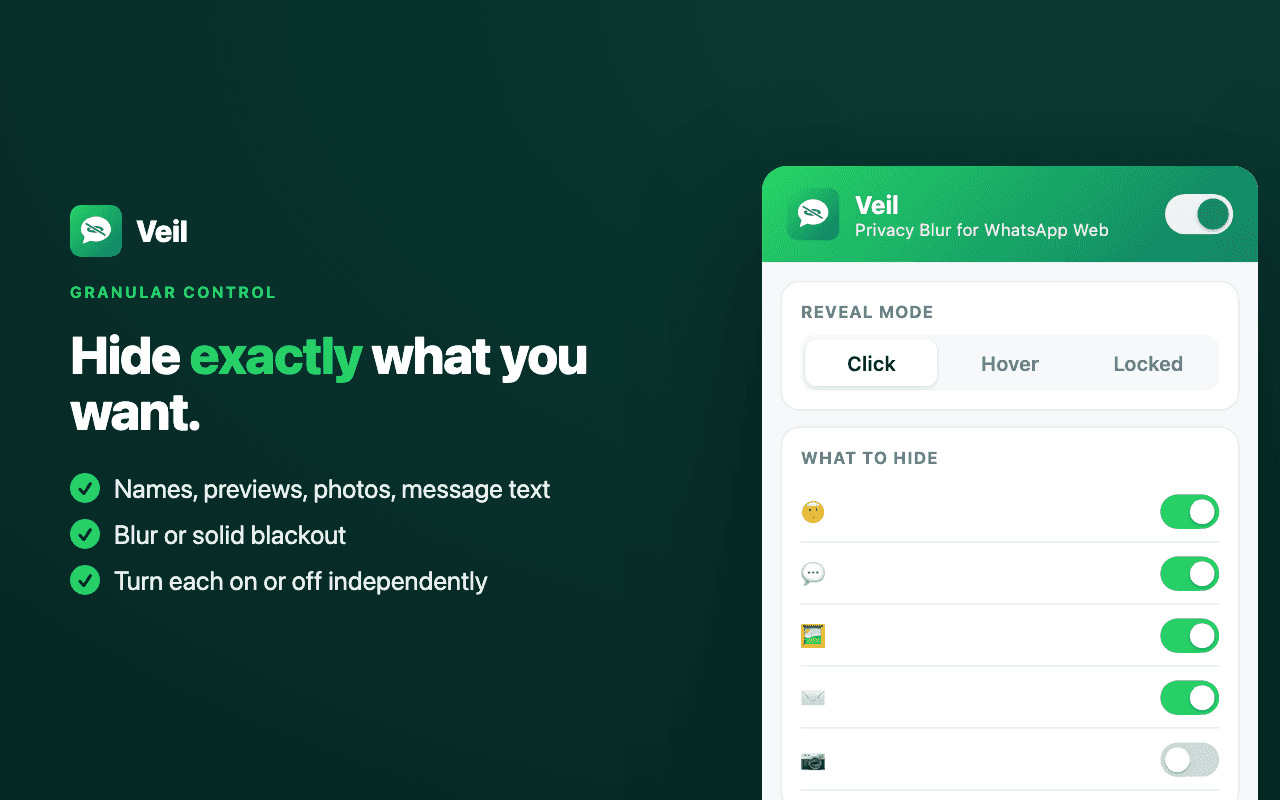
Hide exactly what you want. Independent switches for names, previews, avatars, the open chat, message text, and media.
Click-to-reveal
Tap a hidden chat to peek, then it re-blurs automatically after a few seconds. Hover and fully-locked modes too.
Panic lock
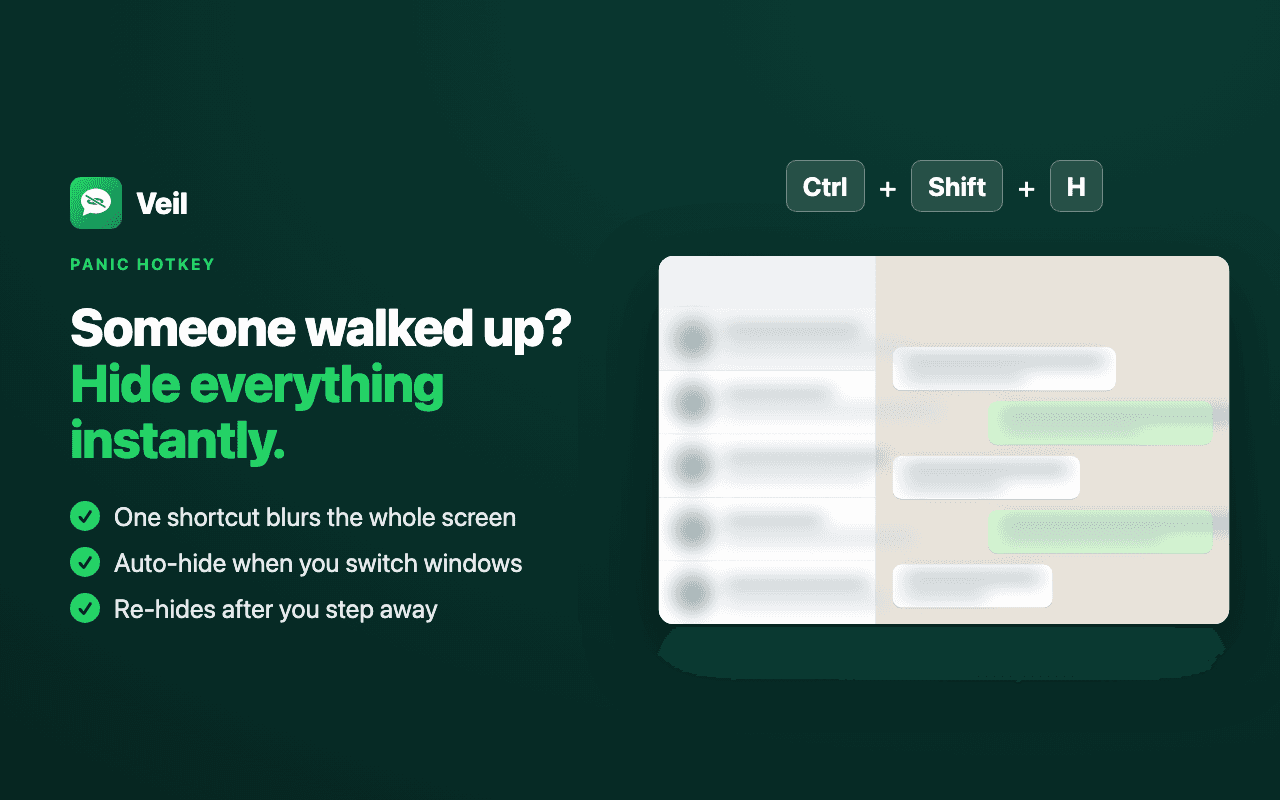
Press Ctrl/⌘ + Shift + H to force protected content hidden instantly the moment someone walks up to your screen.
Auto-hide
Re-hides automatically when you switch to another window or step away — so nothing is left exposed mid-call.
Local controls
No servers, no analytics, and no network requests. Veil does not collect, store, transmit, or analyze WhatsApp content.
Private by default, revealed on demand
Blur selected WhatsApp Web content, choose exactly what to hide, and use panic lock when you need everything protected instantly.
What you can hide
Inside a conversation
- Message text
- Quoted replies
- Links & previews
- Photos & videos
In the chat list
- Contact names
- Message previews
- Profile photos
- Open-chat name
Modes & styles
- Blur or solid blackout
- Click / Hover / Locked
- Adjustable blur strength
- Per-element toggles
Private by design
- Runs fully in your browser
- No network requests
- No analytics or accounts
- Only the “storage” permission
Who uses Veil
Three steps. Zero friction.
- 01Install
Add Veil to Chrome and open WhatsApp Web — blurring turns on automatically.
- 02Tune
Open the popup to choose what to hide, the reveal mode, and blur or blackout.
- 03Reveal
Click to peek for a few seconds, or hit the panic lock to force protected content hidden.
Designed for screen-sharing, recording, and working in public.
Your screen isn't always private.
Veil makes WhatsApp Web safer to share.
One careless screen-share can expose contacts and conversations. Veil keeps selected content blurred until you choose to reveal, with no analytics or network requests.
Veil is one of several free tools I've shipped. If you have an idea for a Chrome extension or a small SaaS, let's talk — from concept to the Web Store.